Sketch to 3D
Draw on a sketch plane with Apple Pencil, then lift the strokes into surfaces and solids.
Tav. I · Of the lamp, from line to body
Sketch with Apple Pencil, build it in 3D, then render it, stage it and send it to production. On iPad and iPhone.
Download on the App StoreHover the note: every object began as a line.
Each feature is a short loop drawn in the app's pencil line. The same loops are cut to 9:16 and 1:1 for Instagram and X.
Draw on a sketch plane with Apple Pencil, then lift the strokes into surfaces and solids.
Describe what you're after and get concepts to build on, right in your project.
Branch one design into versions and compare them side by side.
Turn a model into a finished image: renders, styles and materials.
Stage objects, light and camera, then set the shot.
Combine many objects into one scene, then split it back into layers.
Drop a curve onto any surface to trim, cut or emboss it.
Add, subtract and intersect solids for exact forms.
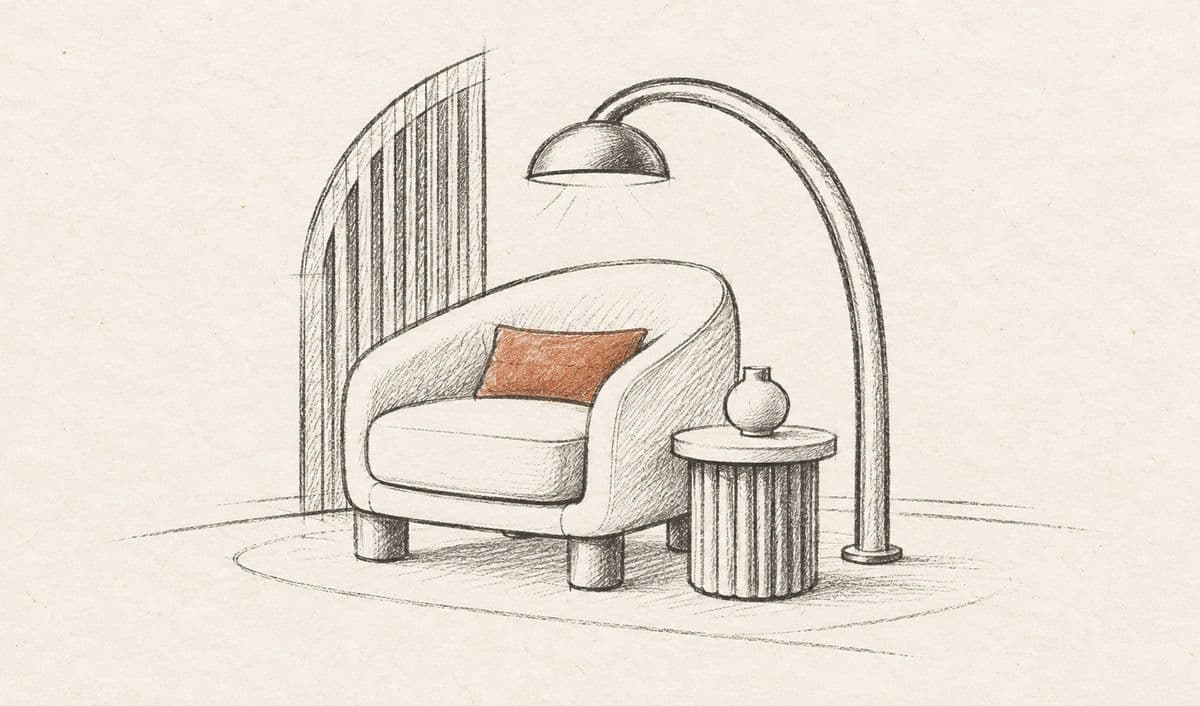
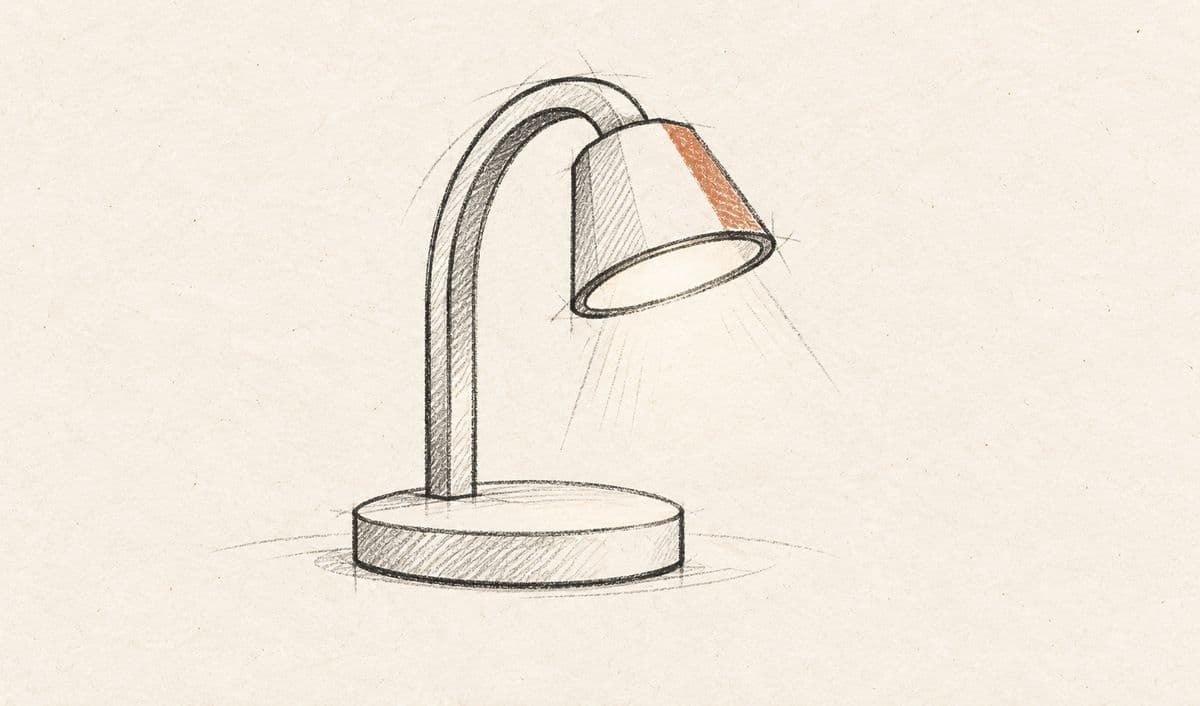
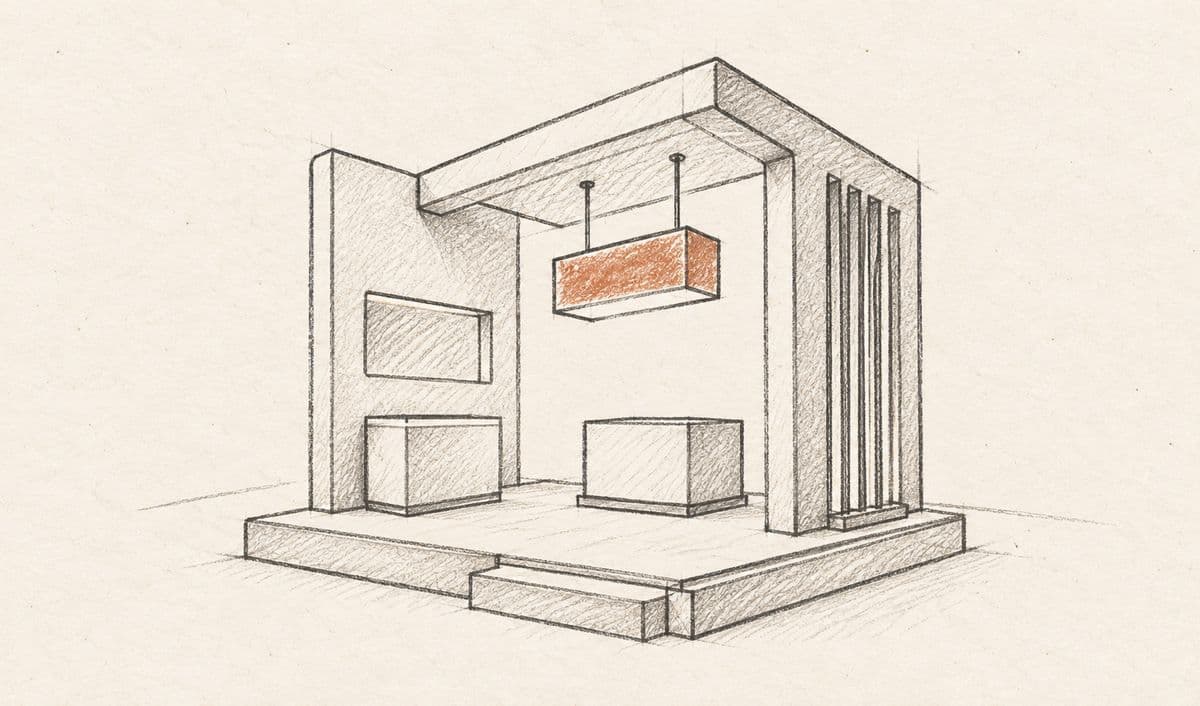
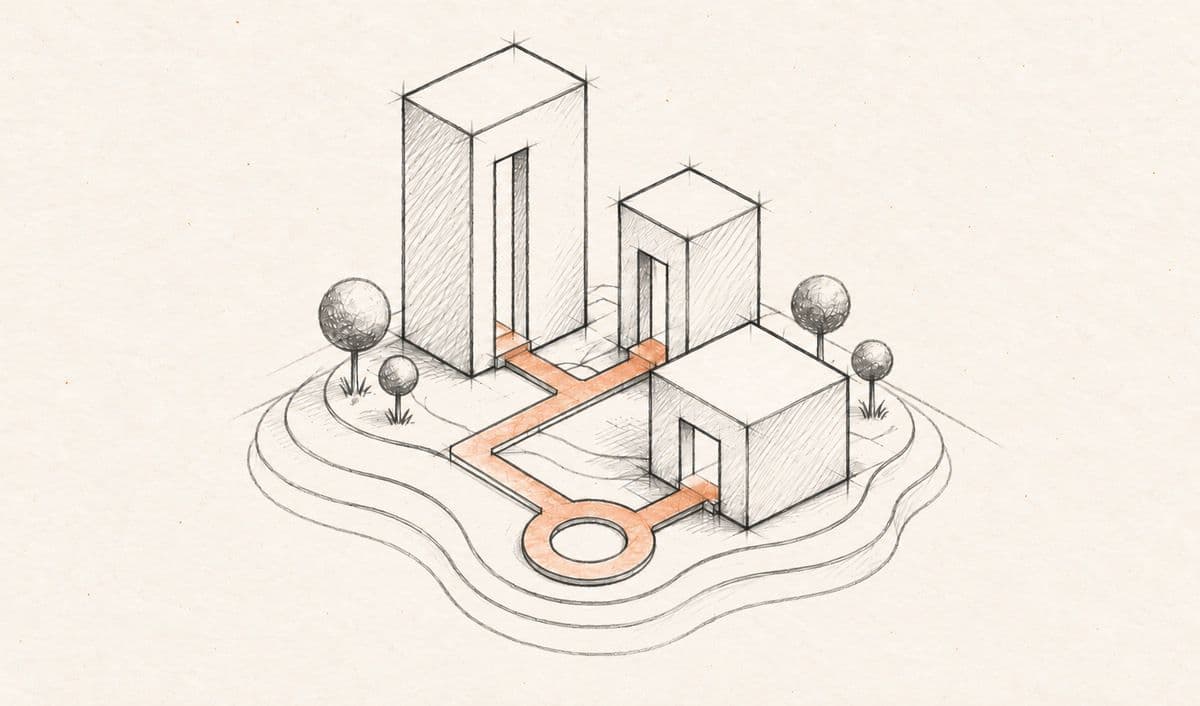
The four project kinds from the app's home, drawn in pencil on warm paper.
The studio, after dark
Screen recordings of the app, one per feature. On the dark wall the bright canvas glows like a lit panel. Tall and square cuts go to Instagram and X.
STL · OBJ · USDZ · STEP · IGES